Screen time & breaks
A rhythm that fits your family.
Set screen-time intervals and break lengths. Build a repeatable routine instead of deciding every time.
For the moments beyond the screen
ScreenBreak helps parents set thoughtful screen-time limits, familiar break routines, and bedtime on paired Apple devices—with sync over iCloud (CloudKit) and nearby Multipeer Connectivity.
For iPhone & iPad · Currently in TestFlight · Planned at $7.99/mo or $69.99/yr when available Pricing details
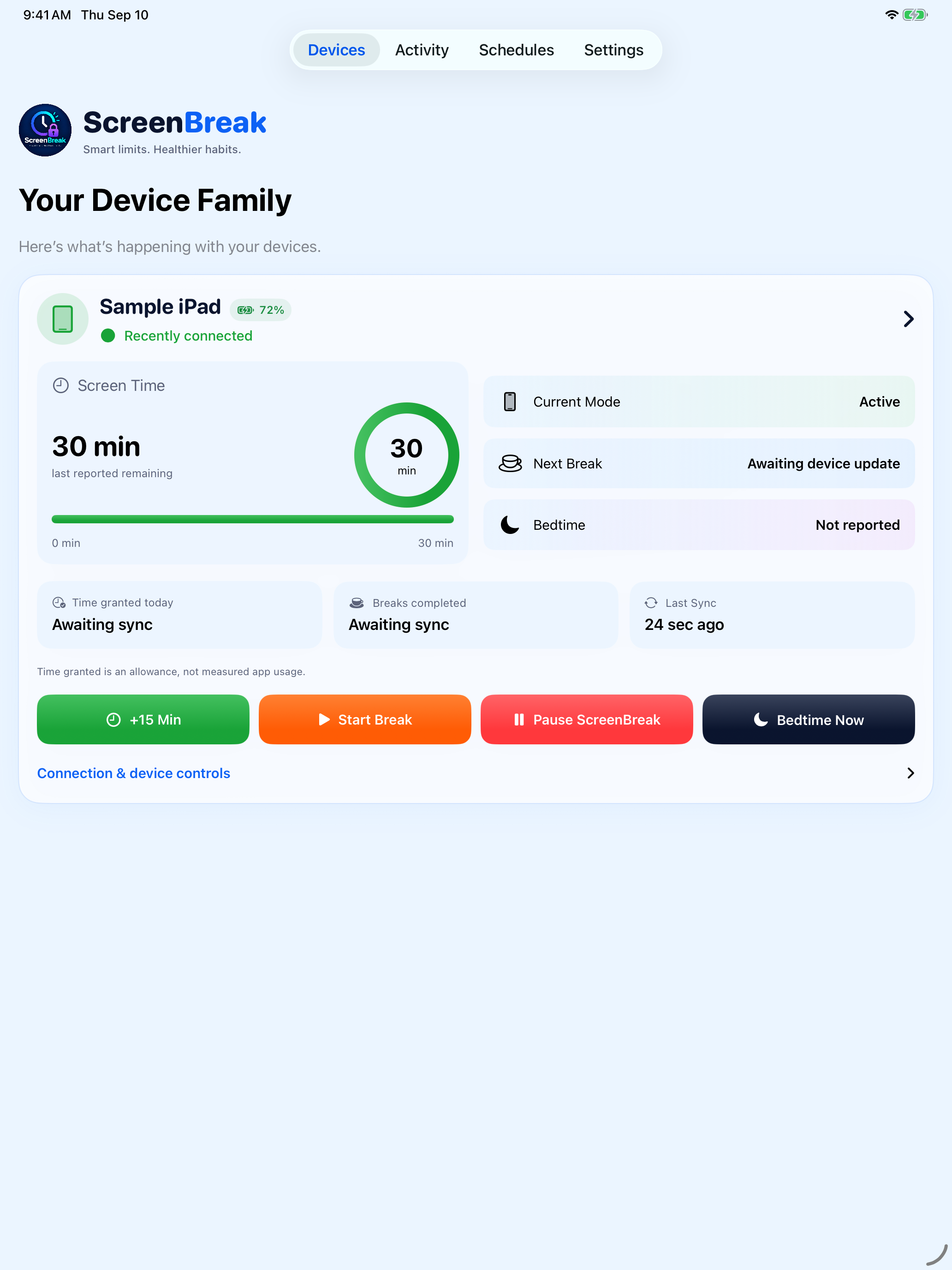
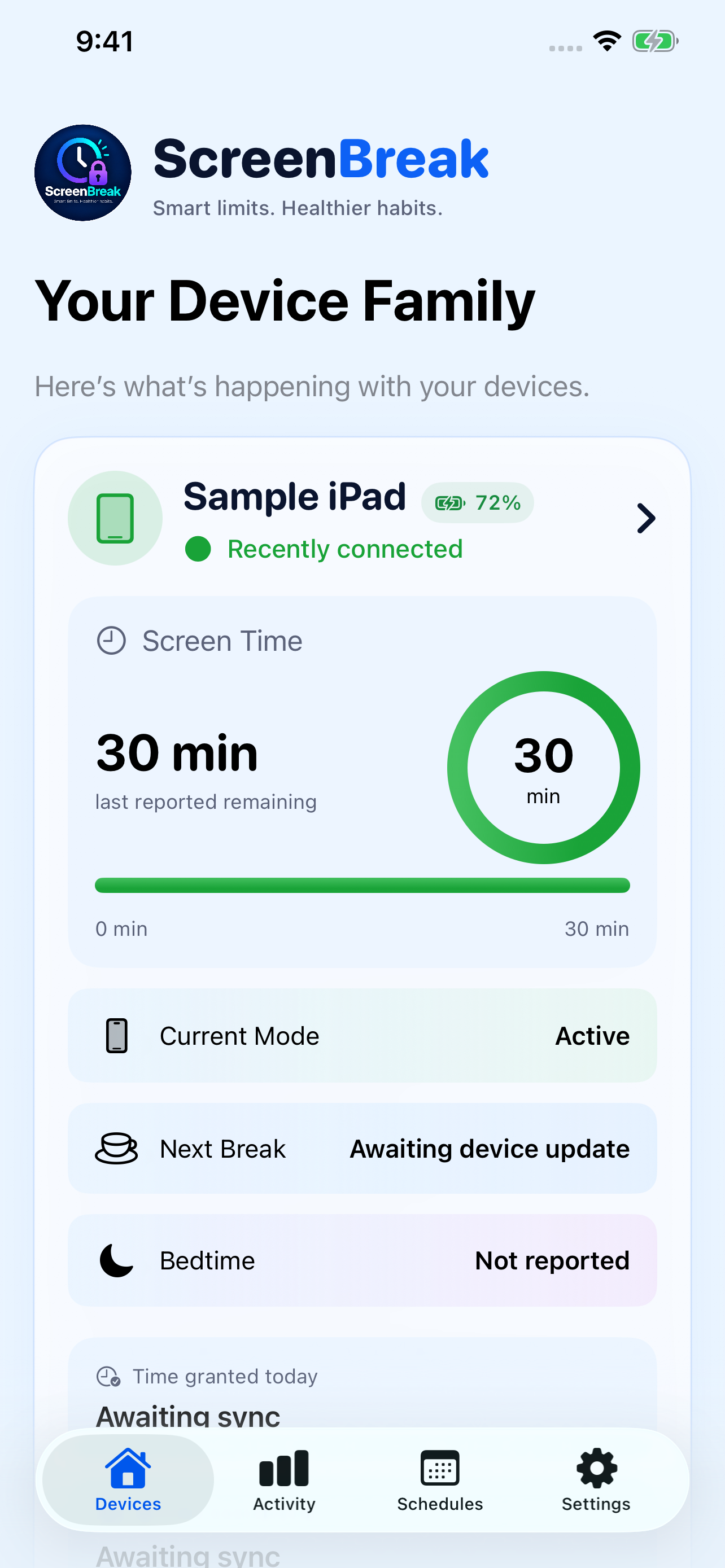
Actual app screens · Sample device data
Smart limits. Healthier habits.
Practical tools for the daily handoff from a screen to homework, dinner, play, and sleep.
Screen time & breaks
Set screen-time intervals and break lengths. Build a repeatable routine instead of deciding every time.
Gentler transitions
Advance break and bedtime warnings give children a chance to wrap up before limits take effect.
Evening routines
Plan bedtime schedules, or use Bedtime Now when it’s time to call it a night.
Parent controls
Manage app restrictions with Apple Screen Time frameworks. Protect parent settings with a PIN and optional Face ID on your device.
One family. Shared routines.
Family settings sync with CloudKit. When devices are nearby, ScreenBreak can also use Multipeer Connectivity over the local network. No third-party account backend is required in the current app.
See how pairing worksAnother parent can help when they use a paired parent role on their own device in the same family. Email caregiver invites are not part of the current app (coming later).
Settings travel through iCloud CloudKit, with optional nearby Multipeer Connectivity when devices are close.
Pair devices with a short-lived six-digit code. The current app does not use QR camera pairing.
ScreenBreak does not collect GPS/location in the current app, and does not read messages or browsing history.
Make it your family’s routine
Get ScreenBreak via TestFlight on the iPhone or iPad you manage, plus the child’s device.
Enter the six-digit pairing code, then authorize Screen Time access on the controlled device.
Select apps and set screen-time intervals, breaks, and bedtime. Adjust as life changes.
Simple family pricing
Less screen conflict. More room for the moments beyond the screen.
ScreenBreak Family
Breaks, bedtime, app controls, paired parent access, and CloudKit sync in one membership.
Request TestFlight access Currently in TestFlight. Subscriptions will be purchased in the App Store when available.Boundaries without reading their world
ScreenBreak doesn’t collect messages, browsing history, or the contents of other apps. The current app does not collect location/GPS. Parent settings can be protected with a PIN and Face ID on device.
Read our privacy policyA few things to know
ScreenBreak is built for iPhone and iPad, using Apple’s Screen Time family of frameworks.
Pair with a six-digit code. Family settings sync with CloudKit. Nearby devices can also sync over Multipeer Connectivity on the local network.
Limits already applied on the child device continue to work offline. Sync catches up again when CloudKit or nearby connectivity is available.
Yes—when they use a paired parent role on their own device in the same family. Email caregiver invites are not in the current app.
ScreenBreak is in TestFlight. Use the form below to request access, or email support@screenbreakapp.com.
TestFlight beta
Tell us how to reach you. We’ll follow up from support@screenbreakapp.com with TestFlight instructions when a spot is available.
Make space for what’s next
Questions about the beta, privacy, or a partnership? We’re happy to help.